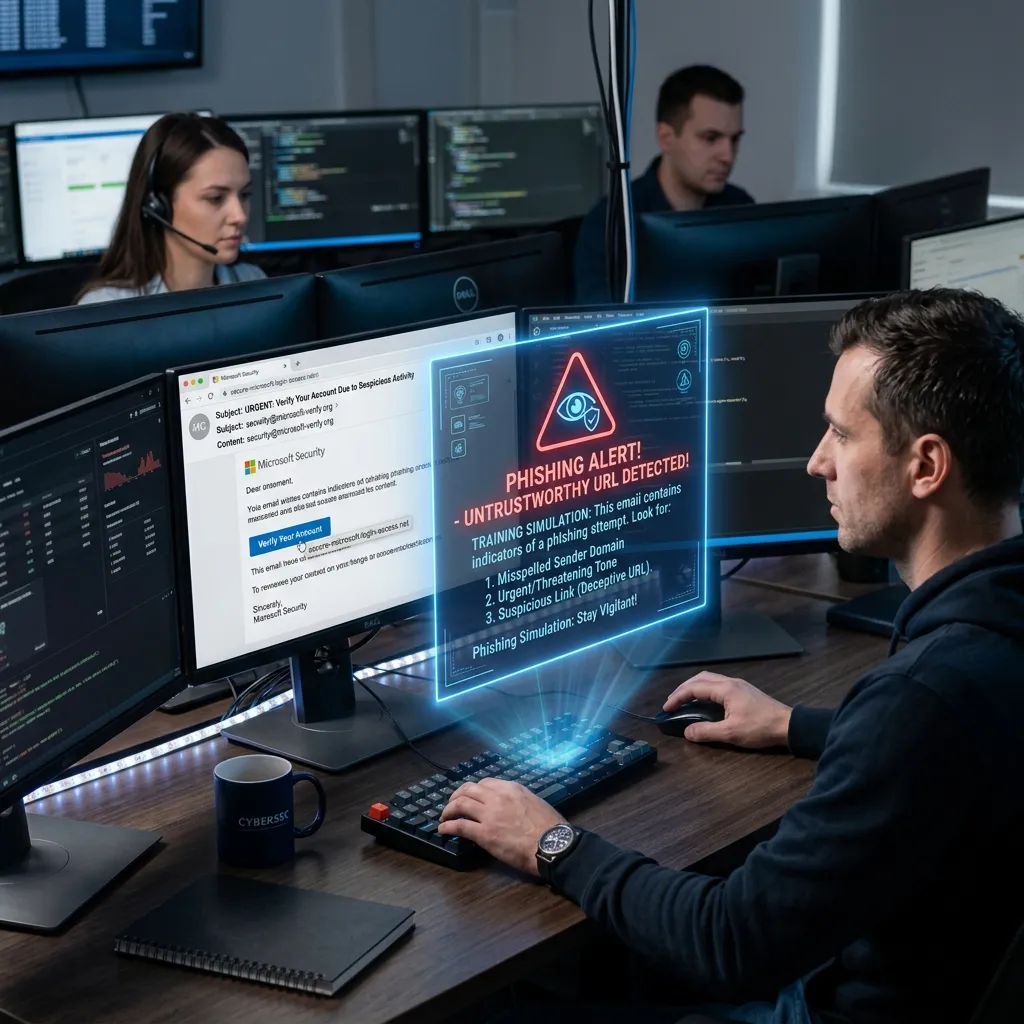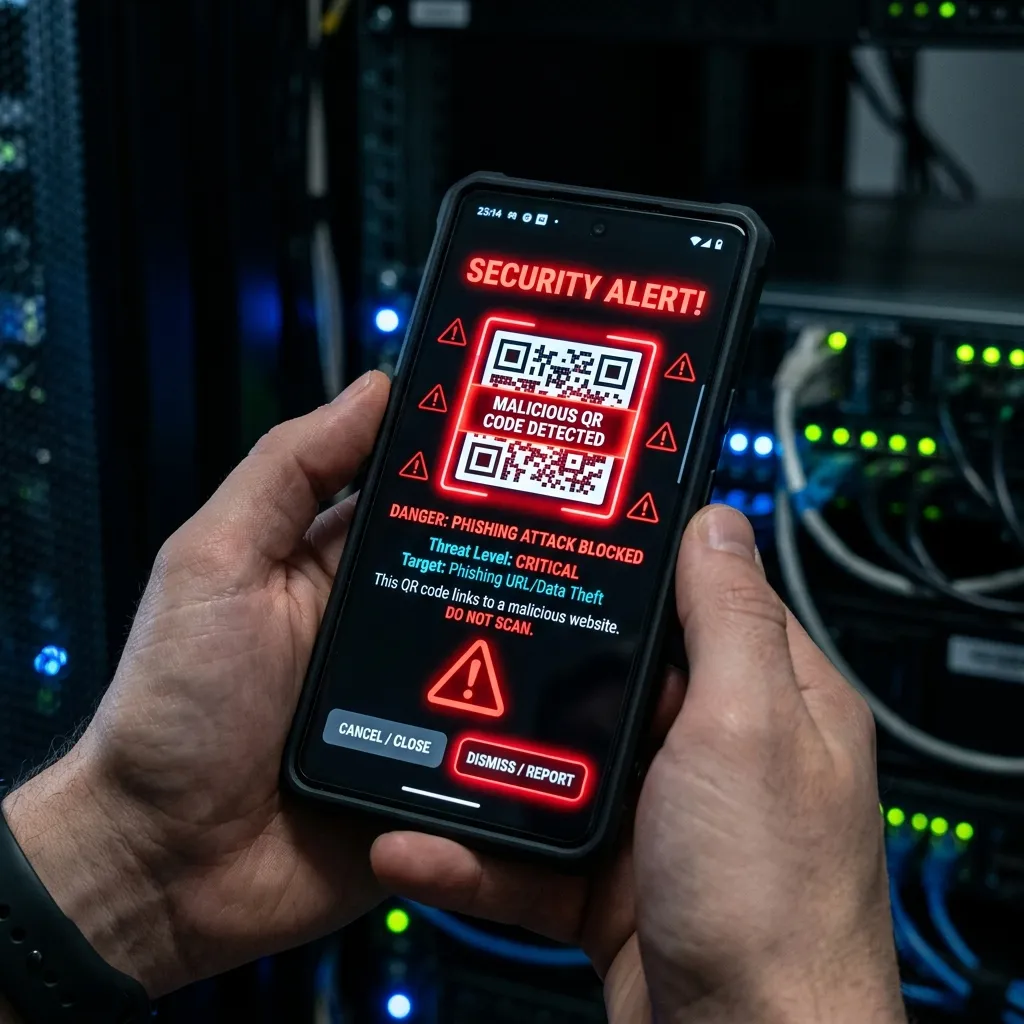
What is QR Code Phishing (Quishing)?
Short Answer: QR code phishing, also called "quishing," is a type of phishing attack where cybercriminals embed malicious URLs inside QR codes. When scanned, these codes redirect victims to fake login pages, malware download sites, or credential-harvesting portals designed to steal sensitive information.
Why QR Code Phishing is Dangerous
Traditional email security tools scan URLs in email bodies and attachments. However, QR codes are images — most email security gateways cannot decode QR code images to inspect the embedded URL. This creates a significant blind spot in corporate email defenses.
Key Reasons Quishing is Effective
- Bypasses URL Scanning: Email security tools analyze text URLs, not image-encoded ones
- User Trust: QR codes have a high trust perception, especially post-pandemic
- Mobile Weakness: Mobile browsers offer less URL inspection capability
- Physical Attack Vector: QR codes placed in public spaces bypass all email defenses
How a Quishing Attack Works
- Attacker creates a malicious website impersonating Microsoft 365, DocuSign, or a banking portal
- Attacker generates a QR code pointing to the malicious URL
- QR code is embedded in an email disguised as an MFA setup request, invoice, or company announcement
- Victim scans with their mobile device
- Mobile browser opens the phishing page — often an exact clone of the real site
- Victim enters credentials or MFA codes, which are immediately harvested
Real-World Quishing Examples
In 2024, a major quishing campaign targeted Fortune 500 employees using fake Microsoft MFA QR codes embedded in PDF attachments. The campaign successfully bypassed three layers of email security at multiple organizations. Another campaign used physical QR code stickers placed over legitimate payment QR codes in restaurants and parking meters.
How to Prevent QR Code Phishing
For Organizations
- Deploy email security with QR code image decoding capabilities (Microsoft Defender, Proofpoint, Mimecast)
- Implement phishing-resistant MFA (FIDO2/WebAuthn) — even if credentials are stolen, attackers cannot authenticate
- Train employees to preview QR code URLs before visiting them
- Use mobile device management (MDM) to restrict QR code scanning to approved apps with URL inspection
For Individuals
- Always preview the URL before opening it when scanning a QR code
- Never scan QR codes sent via unexpected emails or SMS
- Use a QR scanner app that displays the URL before navigating to it
- Verify QR codes on physical materials by checking for stickers placed over originals