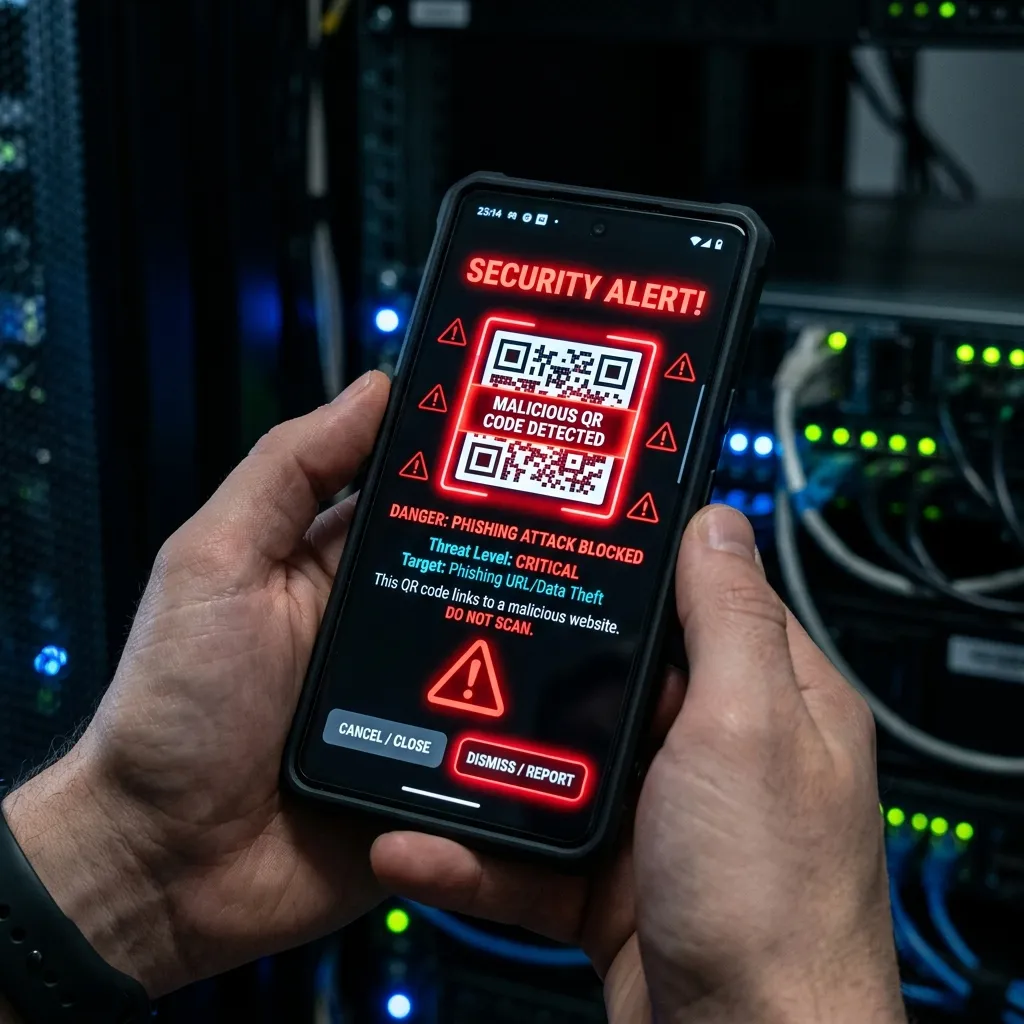
What is a Phishing Simulation Sandbox?
Short Answer: A phishing simulation sandbox is a controlled, isolated environment where security teams conduct realistic phishing campaigns against their own employees to measure susceptibility, identify training needs, and test email security controls — all without real risk of credential compromise or malware infection.
Why QR Code Vulnerability Mapping Matters
Traditional phishing simulations focus on email link clicks. QR code vulnerability mapping extends this to measure how many employees scan malicious QR codes across multiple channels: email, physical flyers, shared documents, and messaging platforms. Organizations that only test email phishing are missing 40% of their attack surface.
Building the Simulation Sandbox
Step 1: Infrastructure Setup
Deploy a dedicated simulation server completely isolated from production systems. Use a VPS or a segmented VM on your internal network. Install GoPhish — an open-source phishing framework — as your campaign management platform.
Step 2: Landing Page Creation
Build convincing clone pages of your organization's SSO portal, Microsoft 365 login, or HR system. These pages must capture the simulated "credentials" and immediately redirect users to a training page explaining they were phished — never actually storing real credentials.
Step 3: QR Code Generation and Tracking
Generate unique QR codes for each target using a tracking platform that records: scan timestamp, device type, geolocation (where permitted), and which QR code was scanned. Tools like qr-code-monkey combined with URL shorteners with click tracking work effectively.
Step 4: Campaign Execution
- Obtain written authorization from management and legal
- Configure email templates mimicking common attack scenarios
- Embed unique QR codes in email bodies and separate physical campaign materials
- Deploy campaign to target group (start with a pilot of 10-20% of staff)
- Monitor real-time click and scan rates in GoPhish dashboard
- Run campaign for 72 hours minimum
Step 5: Vulnerability Mapping and Reporting
Analyze results by department, role, location, and device type. Map vulnerability hotspots: which teams have highest click/scan rates, which attack pretexts were most effective, and where security awareness training gaps exist. Produce a risk-scored report with specific training recommendations.